
Last Updated on 01/06/2026 by Liza Brits
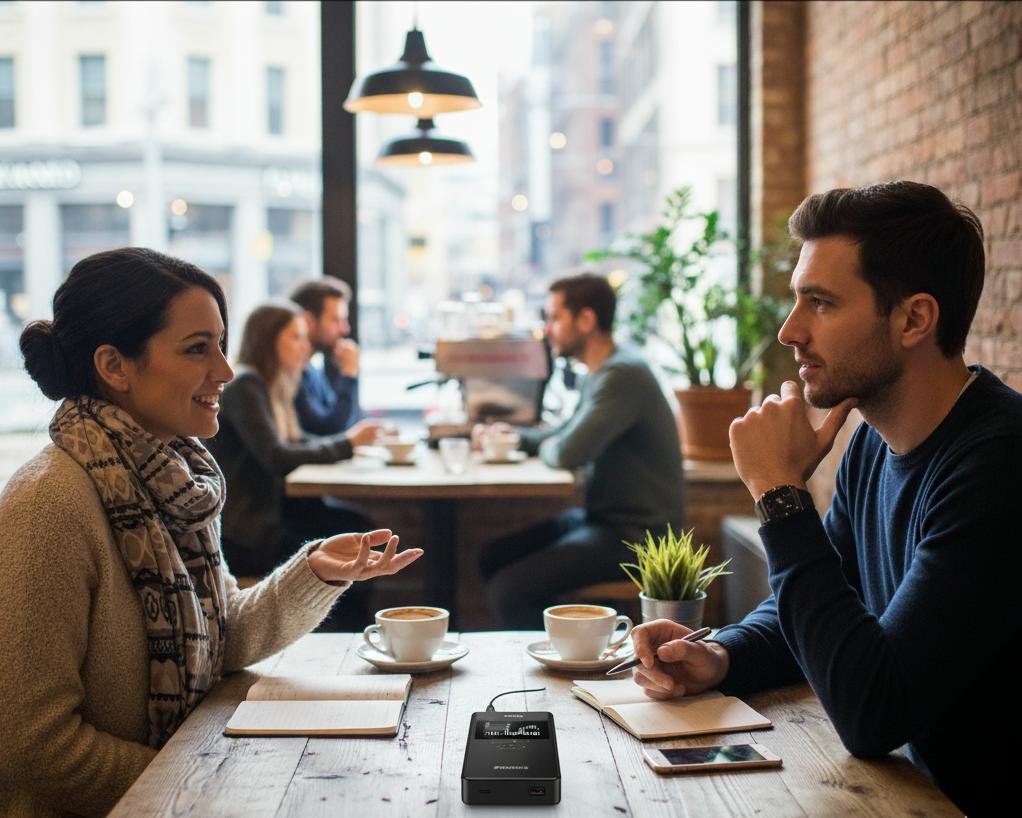
How to Get Accurate Transcripts from Noisy Environments
When it comes to having accurate transcripts, audio quality is everything. A clear recording means faster turnaround times, fewer errors, and lower costs. But what if you’re recording audio in noisy environments like a busy office, a conference, or out in the field?
At HT TRANSTXT, we specialize in human transcription, which means we have strategies to deal with background noise in audio. Still, the better your recording, the more accurate and affordable your transcript will be. Discover more in our article on what transcription costs in South Africa.
In this post, we’ll share tips for recording in noisy environments and explain how professional transcribers handle less-than-perfect audio.
Why Noisy Environments Are a Challenge to Get Accurate Transcripts
Background noise in audio can:
- Mask important words or phrases.
- Make speaker identification harder.
- Force transcribers to spend extra time replaying sections.
- Increase the number of inaudible tags.
The result? Lower accuracy and slower delivery. But with the right preparation, you can greatly improve results.
Tips on How to Record in Noisy Environments
1. Choose the Right Microphone
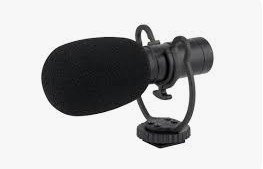
- Directional microphones (like cardioid mics) pick up the speaker’s voice and reduce surrounding noise.
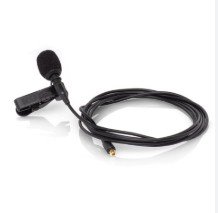
- Lapel mics clipped to each speaker are excellent for interviews.
- Avoid relying solely on your phone’s built-in mic, it picks up everything.
2. Control the Environment (as Much as Possible)
- Pick a quieter corner, away from open windows, fans, or street noise.
- Ask nearby people to lower their voices if recording in shared spaces.
- Use soft furnishings (curtains, carpets) to absorb echo if indoors.
3. Manage the Speakers (If There Are Multiple)
- Brief participants: ask them to speak clearly, one at a time, and avoid talking over each other.
- Repeat important names, acronyms, or jargon.
- If possible, use a speaker label (“This is John speaking”) at the start of the session.
4. Use Recording Tools with Noise Reduction
- Many modern recorders and apps have built-in noise cancellation or high-pass filters.
- Test your setup before the session so you’re confident in the quality.
5. Keep Audio Levels Consistent
- Position the microphone at the same distance from each speaker.
- Avoid situations where one person is too far away or whispering while another is shouting.
How Professional Human Transcribers Handle Noisy Audio
At HT TRANSTXT, our human transcribers:
- Replay and slow down audio when necessary to catch hard-to-hear words.
- Use context clues (industry terminology, subject matter) to interpret speech.
- Flag uncertain words or insert time-stamped inaudibleinaudibleinaudible tags when absolutely unavoidable.
- Provide clean transcripts that are readable even if the audio quality isn’t perfect.
This combination of human judgment + careful listening makes us far more reliable than AI-only transcription in noisy scenarios.
✅ Tips for Accurate Transcripts Summary
- Invest in the right mic.
- Minimize noise where possible.
- Guide participants on how to speak.
- Use tech features like noise reduction.
- Work with professional human transcribers to get the best final result.
Frequently Asked Questions on How to Record in Noisy Environments
Can background noise be completely removed?
Not entirely. Noise reduction tools help, but they can distort voices. The best solution is to prevent noise during recording.
How do human transcribers deal with poor audio?
They replay, slow down, and use context to fill in gaps. If something is still unclear, they mark it as inaudible with a timestamp.
Will poor audio increase transcription costs?
Yes. Noisy audio takes longer to transcribe, which can raise the cost. Clear recordings are faster and cheaper.
Is it better to use AI or humans for noisy audio?
Humans are more reliable. AI struggles with accents, jargon, and background noise, while humans can use judgment and experience.
What’s the single best way to improve recording in noisy environments?
Use a good directional or lapel microphone, it makes the biggest difference.